
Lost in the static? Start here.
How do I tune in?
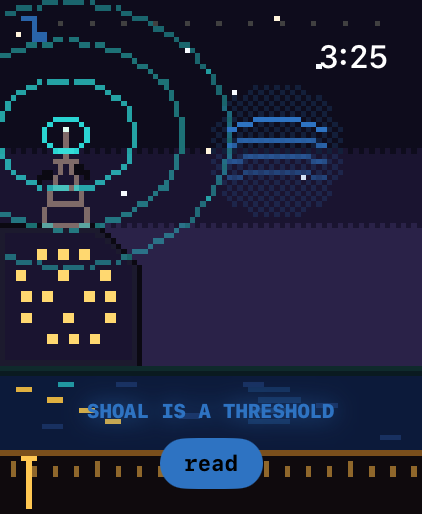
Turn the Digital Crown to move the dial (on iPhone, slide a finger sideways). As a station comes in, your wrist ticks faster and faster. Hold steady on it and the station speaks one line.
How do I read the story?
When a station is tuned in, tap read (on iPhone, read the story). The whole story is inside the app, so it works without the internet. The end of each story takes you back to the radio.
Can I make the text bigger?
Yes. Bandwidth follows the text size you've set in Settings → Display & Brightness → Text Size. Inside any story, the small and large A buttons make it smaller or larger again.
What is listening?
Touch and hold anywhere for a moment to turn listening on or off. When it's on, Bandwidth checks, on your device, whether you're standing at one of a few public places in Austin, such as Shoal Creek at Pease Park or the Congress Avenue bridge. If you are, a station comes in that isn't anywhere else. It asks for your location once, only when you turn listening on, and your location never leaves your phone or watch.
The stations moved
They drift a little from night to night, so the dial is worth sweeping again.
Accessibility
With VoiceOver, swipe up or down to move the dial. When you're on a station, VoiceOver reads its line.
Contact
Found a bug or have an idea? Email waypoint@releaf.site.