Want to fly under the Congress Avenue Bridge? Freetail is free on TestFlight: chirp, listen, and dive. Join the beta (version 1.0 (9); this invitation is good through January 11, 2027).
You can play on iPhone or Apple Watch, and on Apple Watch without an iPhone. Lay iPhone Duo flat and the cave widens, so you see more of it ahead.
Lost in the dark? Start here.
How do I fly?
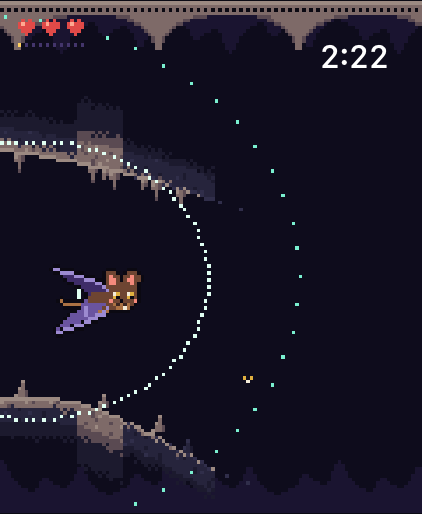
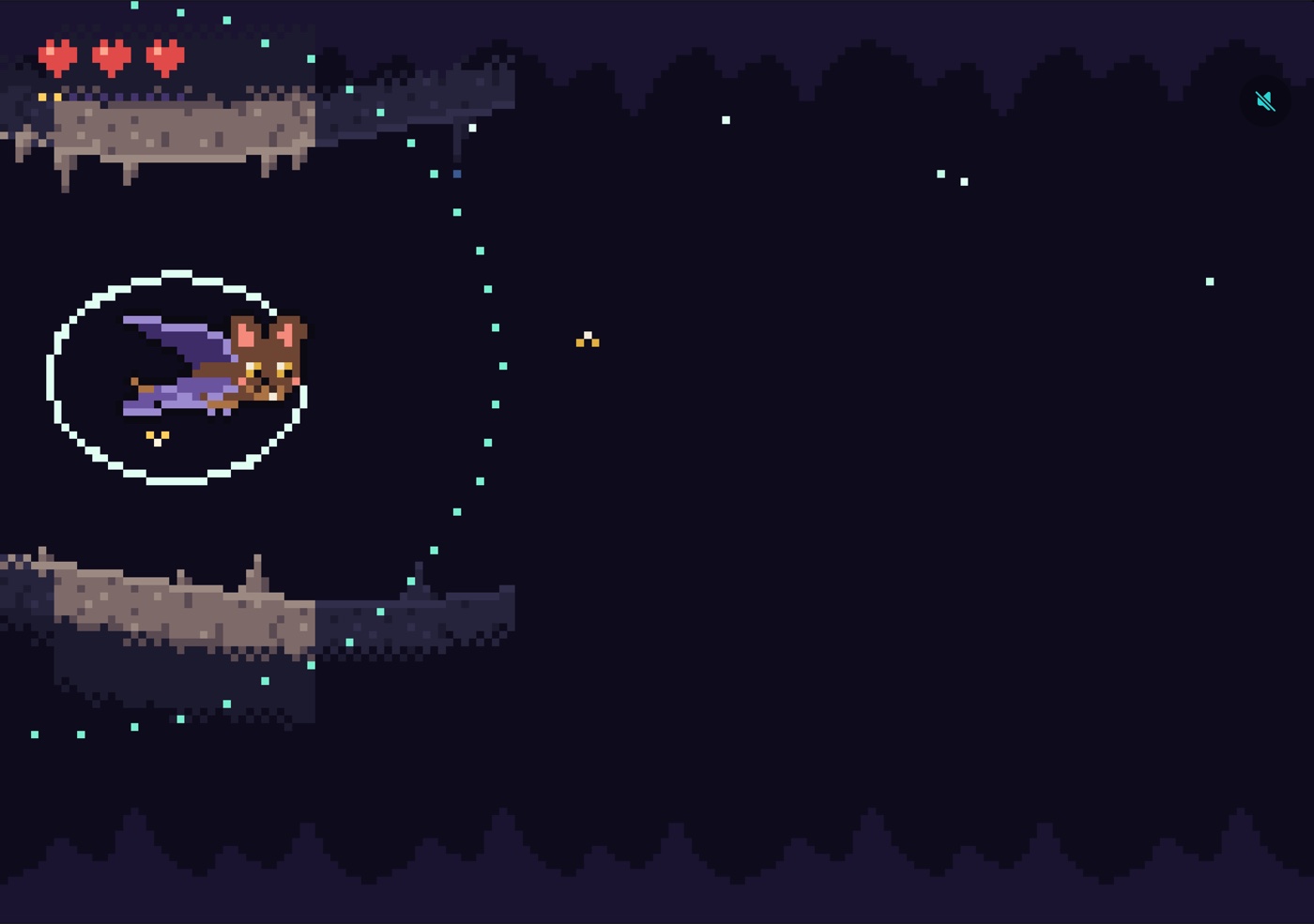
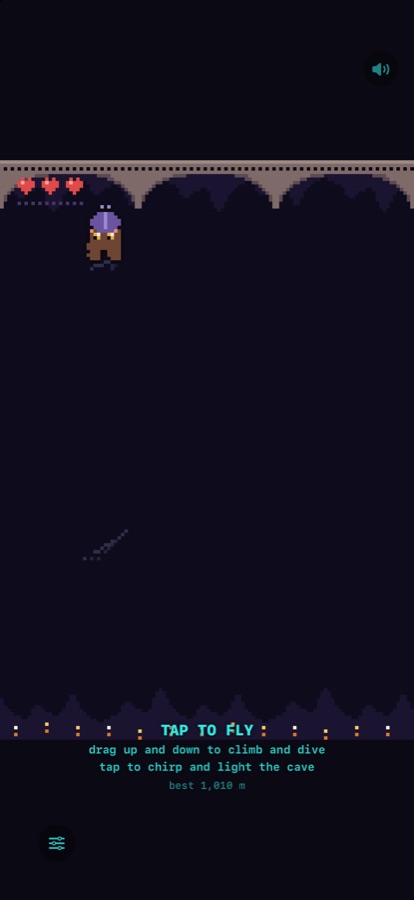
Tap to chirp. A ring of sound lights the cave walls for a moment. Turn the Digital Crown to climb and dive (on iPhone, drag your finger up and down). Eat moths, avoid the walls, and go as deep as you can.
What are the taps on my wrist?
That's your echo coming home. After each chirp you'll feel a tap: the sooner it comes, the closer the wall ahead. Ticks that quicken mean the cave is closing in around you. With practice you can fly with your eyes closed.
What happens when I hit a wall?
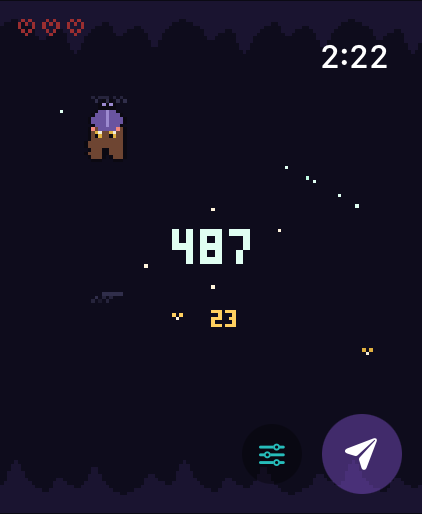
You get a bonk, and you lose one of your three life marks. Three bumps and Echo hangs up for the night. Every ten moths you eat mends one bonk; if you have none to mend, they become a shield for your next bump.
The game paused
Echo holds still whenever you lower your wrist or leave the app, so you never crash while you're not looking. Raise your wrist and carry on.
Sound and haptics
On iPhone, tap the speaker in the top corner to mute; the ring/silent switch works too. On Apple Watch, tap the sliders button on the start or landing screen to switch sound or haptics off. If you can't feel the echo, check that System Haptics is on in Settings → Sounds & Haptics.
Does it need an iPhone?
No. Freetail runs fully on Apple Watch. The iPhone version plays on its own too.
Accessibility
With VoiceOver, double-tap to chirp and swipe up or down to climb and dive. Each echo comes back off the wall as a squeak and a tap, sooner when the wall is near.
Contact
Found a bug or have an idea? Email studio@releaf.site.