Build the book before it's finished. Print a creature from inside the app, fold it, and tell us how to make the instructions better. The Mechanical Bestiary is free on TestFlight. Join the beta (version 0.1 (33); this invitation is good through January 12, 2027).
For iPhone. The iPhone Duo hinge opens and closes the book.
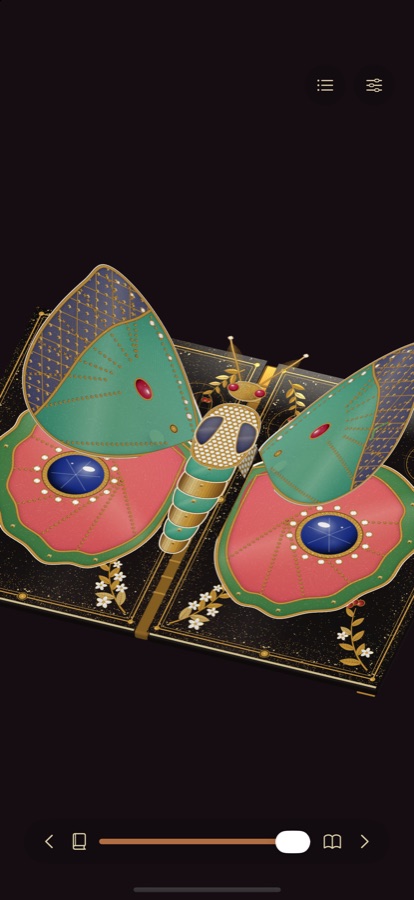
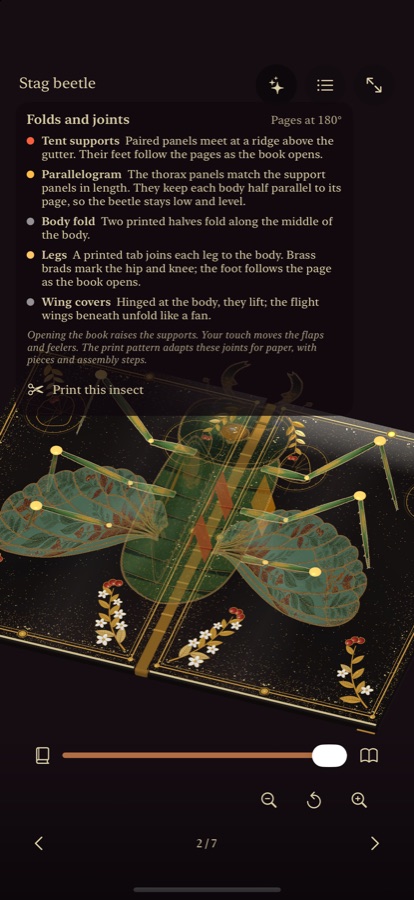
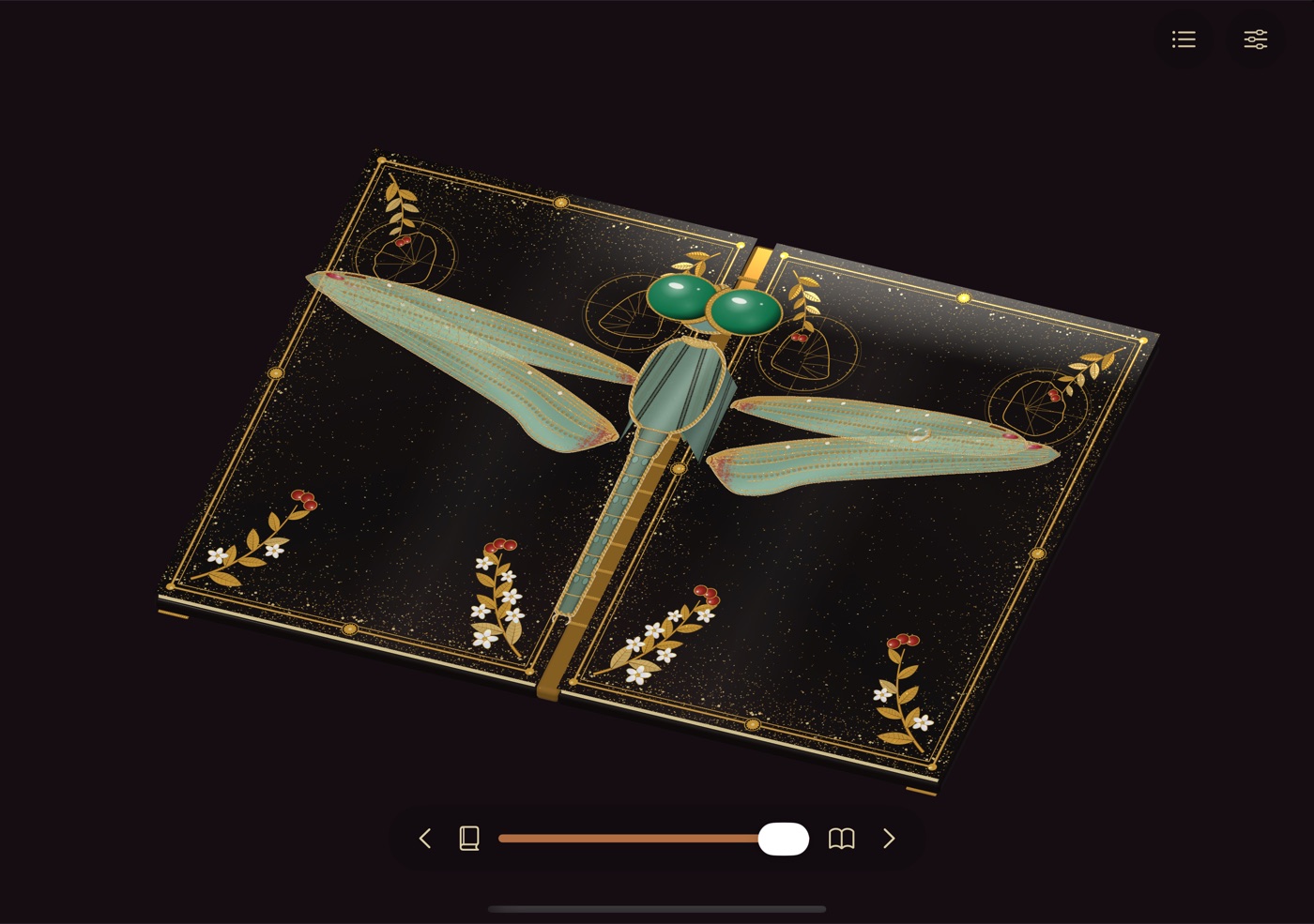
Lost between the pages? Start here.
How do I open the book?
Turn your iPhone on its side and the book lies open; hold it upright and it closes partway. On iPhone Duo, open and close the hinge. You can also drag the opening slider at the bottom of the screen.
How do I turn the page?
Use the arrows, swipe from the outer edge of a page, or open the contents to jump to any creature. The book folds shut, the leaf turns, and it opens again on the next spread.
How do I unfold a creature?
Touch it. The beetle lifts its wing covers, the leaf insect's leaf opens, the moth swings its forewings open, the dragonfly's wings part, the mantis unfolds its forelegs and the firefly opens its lantern. The cicada is different: bring a finger slowly toward its head and it notices you; move suddenly and it startles.
How do I look closer?
Pinch to zoom up to four times, and move with two fingers. The zoom buttons and the whole-book button are at the bottom of the screen.
How does it work?
Tap the gears button. The printed parts turn see-through so you can watch the paper joints move: the supports that lift each body, the hinges and the brass brads. Tap it again to return to the finished book. Full screen always shows the finished book.
Can I make one?
Turn to a creature, tap Show folds and joints, then Print this insect. Choose US Letter or A4 to preview, print or share its pieces and assembly steps. Print at Actual Size (100%); the check bar must measure 50 mm. These are prototype patterns: they have not yet been assembled and tested by hand. Save Cricut files on the same page gives you SVG sheets at actual size, with cut, score and pen layers, and a short guide for Design Space; they have not been cut on a real machine yet. If you build one, please send photos with it at 0°, 90° and 180° to studio@releaf.site.
Accessibility
With VoiceOver, use the actions to open or close the book, unfold the part on the page, and turn to the next or previous creature.
Contact
Found a bug or have an idea? Email studio@releaf.site.