Works on Apple Watch and iPhone, and plays fully on Apple Watch with no iPhone needed. Looks great on iPhone Duo.
Spinning out? Start here.
How do I play?
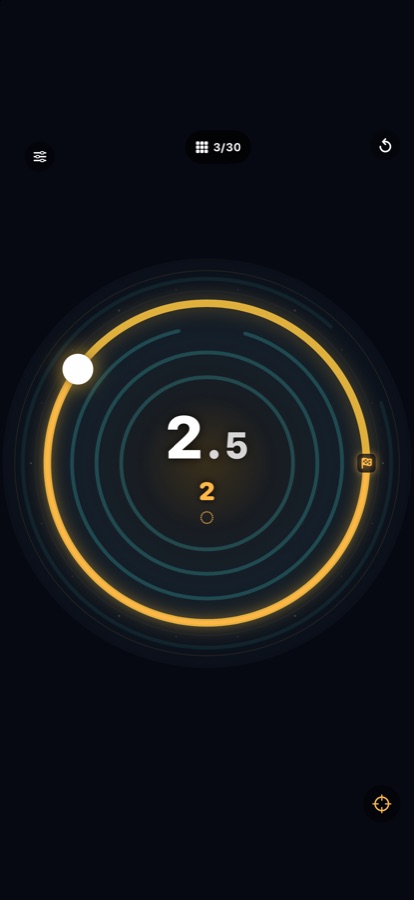
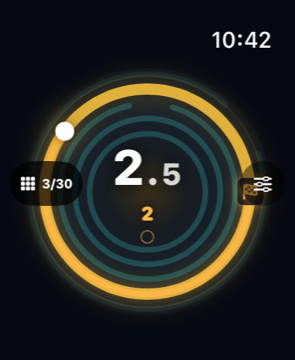
Tilt your iPhone and the marble rolls round the ring. On Apple Watch, turn the Digital Crown to set it spinning. Reach the gap while you are on pace and the marble drops to the next ring. Clear the last ring to finish the circuit.
What do the colours mean?
The ring shows your pace: cyan is too slow, brass is on pace, pink is too fast. The number in the middle is your speed.
What are orbit, hold and direction rings?
An orbit ring has no gap: go all the way round on pace, in one direction. A hold ring asks you to keep the pace for a while; drop out of it and your progress drains. A direction ring wants the marble to travel one way, clockwise or counterclockwise.
How do I choose a circuit?
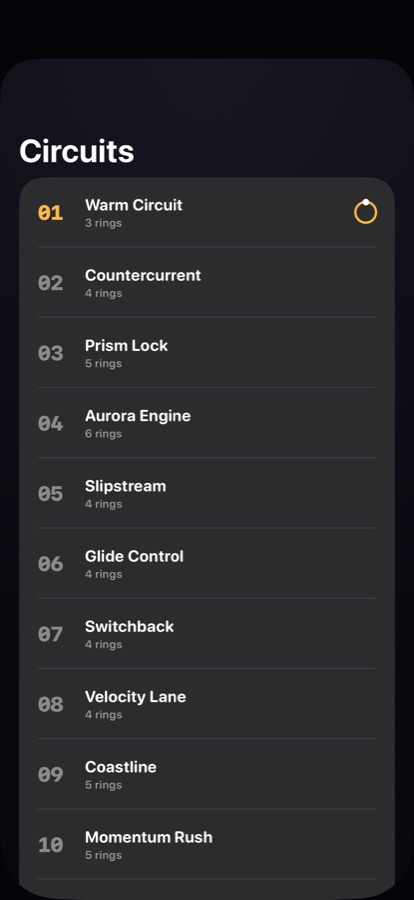
Tap the circuit counter at the top of the screen to open Circuits and pick any of the thirty.
Can I change how the marble handles?
Open Settings with the sliders button. Grip sets how much the marble coasts; acceleration sets how strongly it answers your tilt or the Crown. You can also turn sound and haptics on or off.
Does it need an iPhone?
No. Redline runs fully on Apple Watch. The iPhone version plays on its own too.
Contact
Found a bug or have an idea? Email studio@releaf.site.