

TACHLINE
Keep the marble on pace.
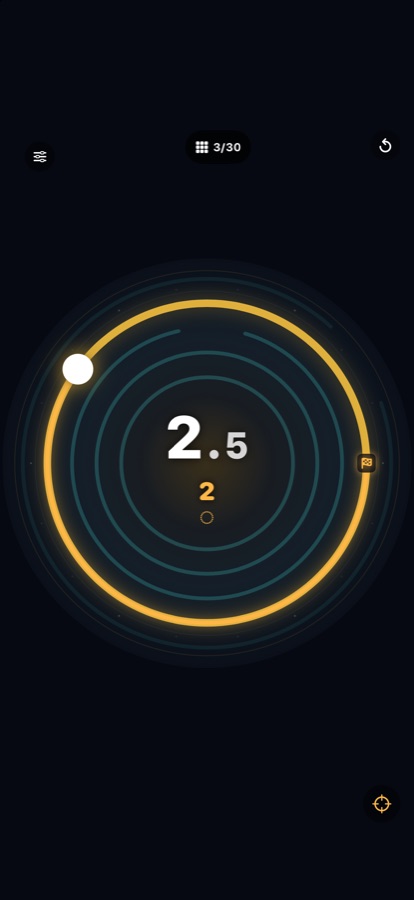
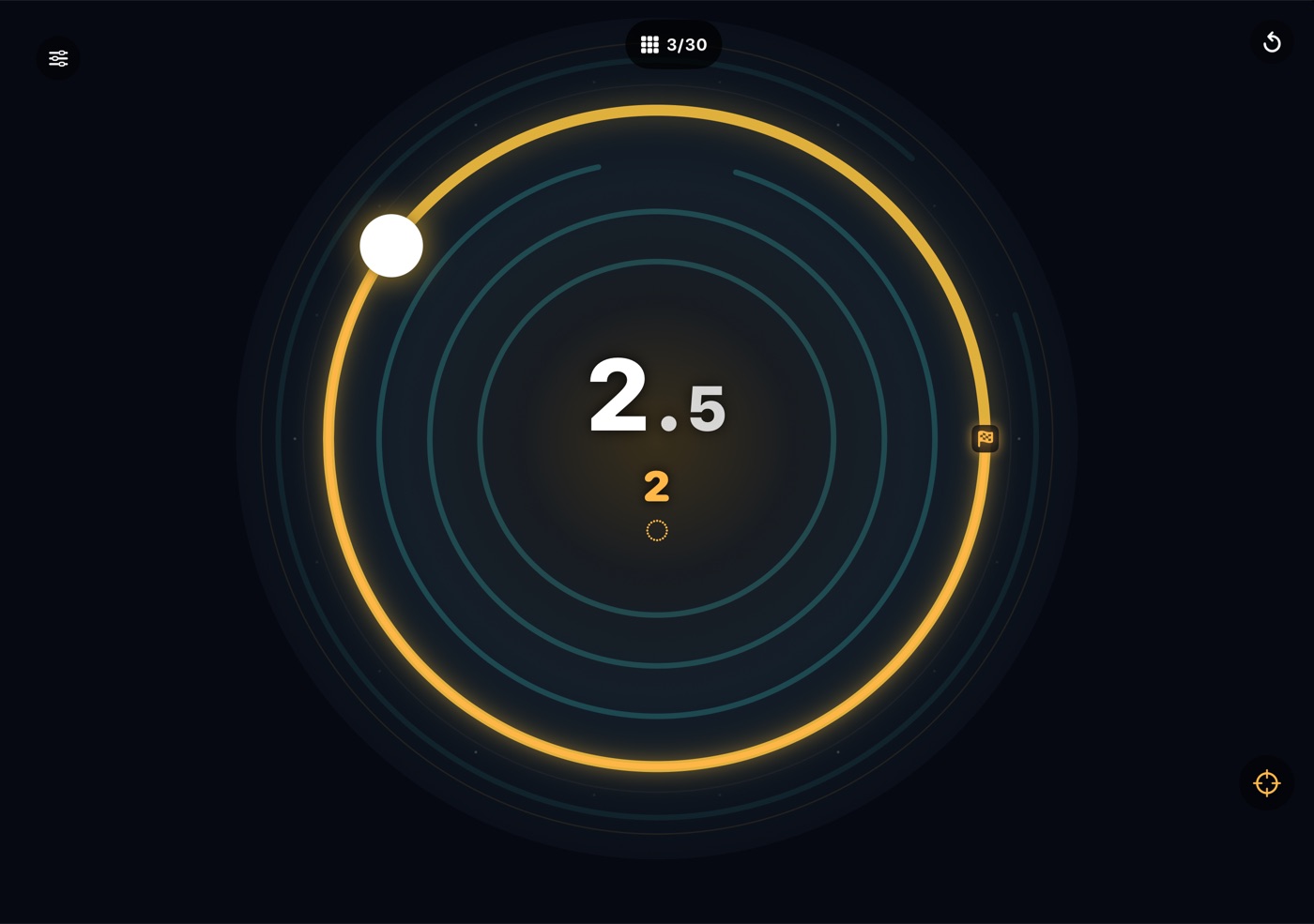
Roll it round the ring, then through the gap.
Think you can keep a marble on pace? Tachline is free on TestFlight on iPhone and Apple Watch. Join the beta (version 1.0 (22); this invitation is good through January 11, 2027).
This build, tell us about: Play into a new chapter: is each twist clear from its first circuit, without reading anything? · Which chapter felt unfair or too easy? · On Apple Watch: does the Crown roll the marble the way you expect?
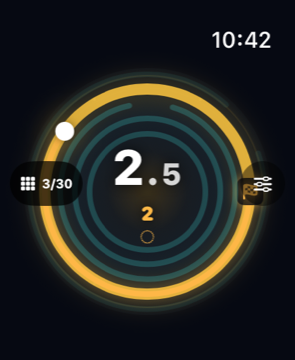
You can play on iPhone or Apple Watch, and on Apple Watch without an iPhone. On iPhone Duo, the rings stay centered and the controls sit in the margins beside them.
HOW TO PLAY
Tilt to roll
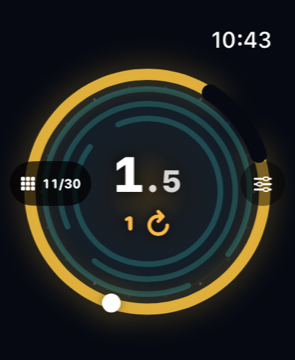
Tip your iPhone and the marble rolls round the ring. On Apple Watch, turn the Digital Crown.
Find the pace
The ring glows brass when the marble is in the target band. Cyan is too slow, pink too fast.
Take the gap
Reach the gap on pace to drop to the next ring. Some rings ask for a full orbit, a held pace or a direction instead.
120 CIRCUITS, ONE MARBLE
- 120 circuits: the first thirty, then nine chapters of new twists
- Orbit, hold and direction rings
- Twists: a gap that turns or swings, a needle-thin gap, a dead stop, a beat to keep, a crosswind, a gap that shows only on pace, two laps, a dark tach and a countdown
- A tick in your hand or on your wrist when you find the pace
- Grip and acceleration settings to tune how the marble handles
- Plays fully on Apple Watch
- No accounts, ads or tracking