Drop ink on water and lift a print. Floating Ink is free on TestFlight. Join the beta (version 1.1 (7); this invitation is good through January 15, 2027).
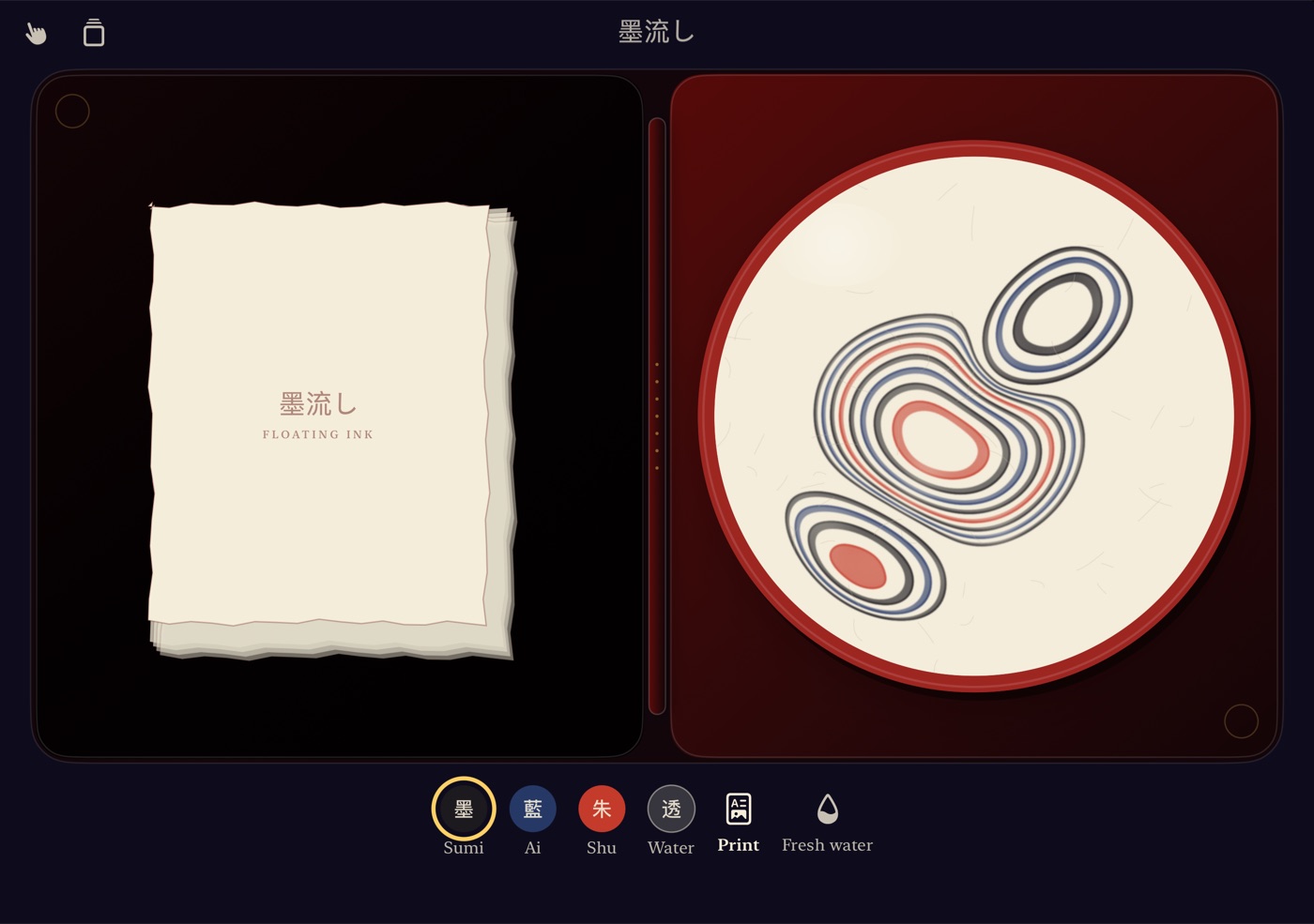
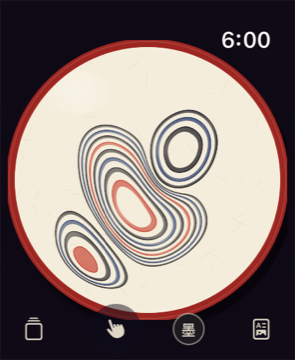
You can play on iPhone or Apple Watch, and on Apple Watch without an iPhone. On iPhone Duo, your newest print rests on one leaf beside the water on the other.
New to floating ink? Start here.
How do I make a pattern?
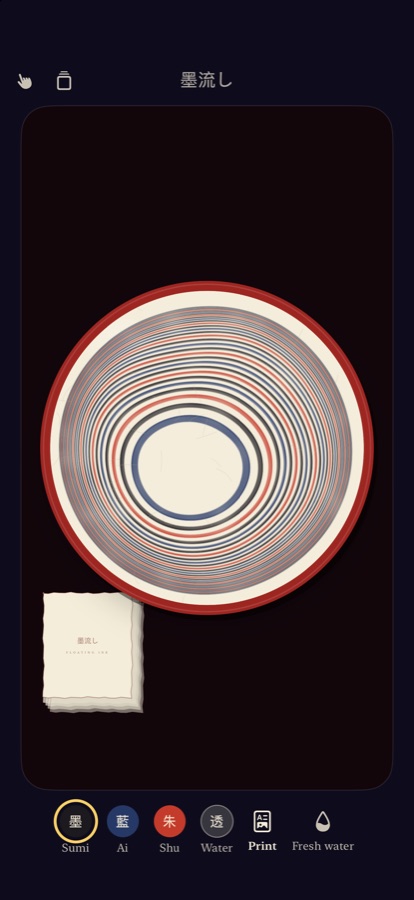
Touch the water to drop ink. Rest your finger and the rings keep coming, one inside the next. Drop plain water between the colors to keep them apart. Then drag to pull the ink into lines and swirls.
What are the tools?
On iPhone, choose them from the tool button. On Apple Watch, tap the tool button to move to the next one. Touch drops ink and draws. The bamboo comb pulls fine, even lines through the rings. The fan blows a broad, gentle current across the water. Every tool moves the same simulated water, so they all work together.
Why is the ink drifting?
That's the tray tipping. Tilt your iPhone and the water carries the ink downhill, like a real marbling tray. Hold it level to keep the pattern still.
How do I keep a print?
When you like the pattern, tap Print. A sheet of washi comes down onto the water and lifts the pattern away, and the water is clean again. Your prints go into the box, where you can open them and share them. On iPhone you can also save them to Photos.
What are the inks?
Sumi (black), ai (indigo) and shu (vermilion), plus clear water to push them apart. On Apple Watch, turn the Digital Crown to change ink.
What's different on iPhone Duo?
Open it like a book and Floating Ink becomes a marbler's folio: paper and your prints on one leaf, the water on the other. The water never crosses the fold.
Does it need an iPhone?
No. Floating Ink also runs on its own on Apple Watch, with a smaller dish.
Contact
Found a bug or have an idea? Email studio@releaf.site.