

GHOST NOTE
A theremin on your wrist.
Something in the graveyard sings back.
Want to hear what the ghosts are rehearsing? Sing with them, free on TestFlight. Join the beta (version 1.0 (6); this invitation is good through January 9, 2027).
This build, tell us about: Can you sing a ghost's tune back on the Watch, or is tilt-to-pitch too twitchy? · Does a note ever keep sounding after you lift your finger? · On iPhone Duo: lay it flat, then half open it. Does the graveyard fill the screen with nothing cut off?
You can play on iPhone or Apple Watch, and on Apple Watch without an iPhone. On iPhone Duo, the graveyard stays on one leaf and the night sky carries on past the fold.
HOW TO HAUNT
Touch and hold
The ghost sings. Let go and it hushes.
Tilt to soar
Tilt your wrist toward you to go higher. On Apple Watch, turn the Crown to change your voice.
Sing it back
Go quiet, and a ghost may rise and hum a tune. Answer it.
FOUR SINGERS UNDER THE STONES

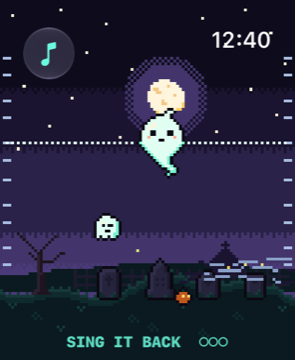

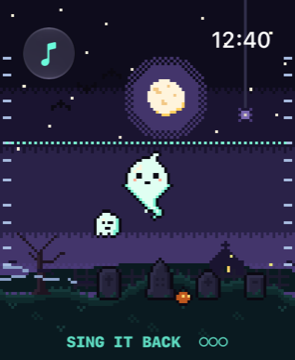
- Each ghost who joins your choir teaches you its voice
- Spooky scales keep every note in tune, or glide free
- Feel each new note as a tick on your wrist
- Gather a graveyard choir that harmonizes with you
- Plays fully on Apple Watch
- No accounts, ads or tracking